QR code menus went from novelty to necessity during the pandemic, but they have stuck around for good reason. They solve real operational problems, reduce costs, and match how modern diners already use their phones. Whether you are considering a switch or looking to improve an existing setup, this guide covers everything from the basics to advanced best practices.
What Exactly Is a QR Code Menu?
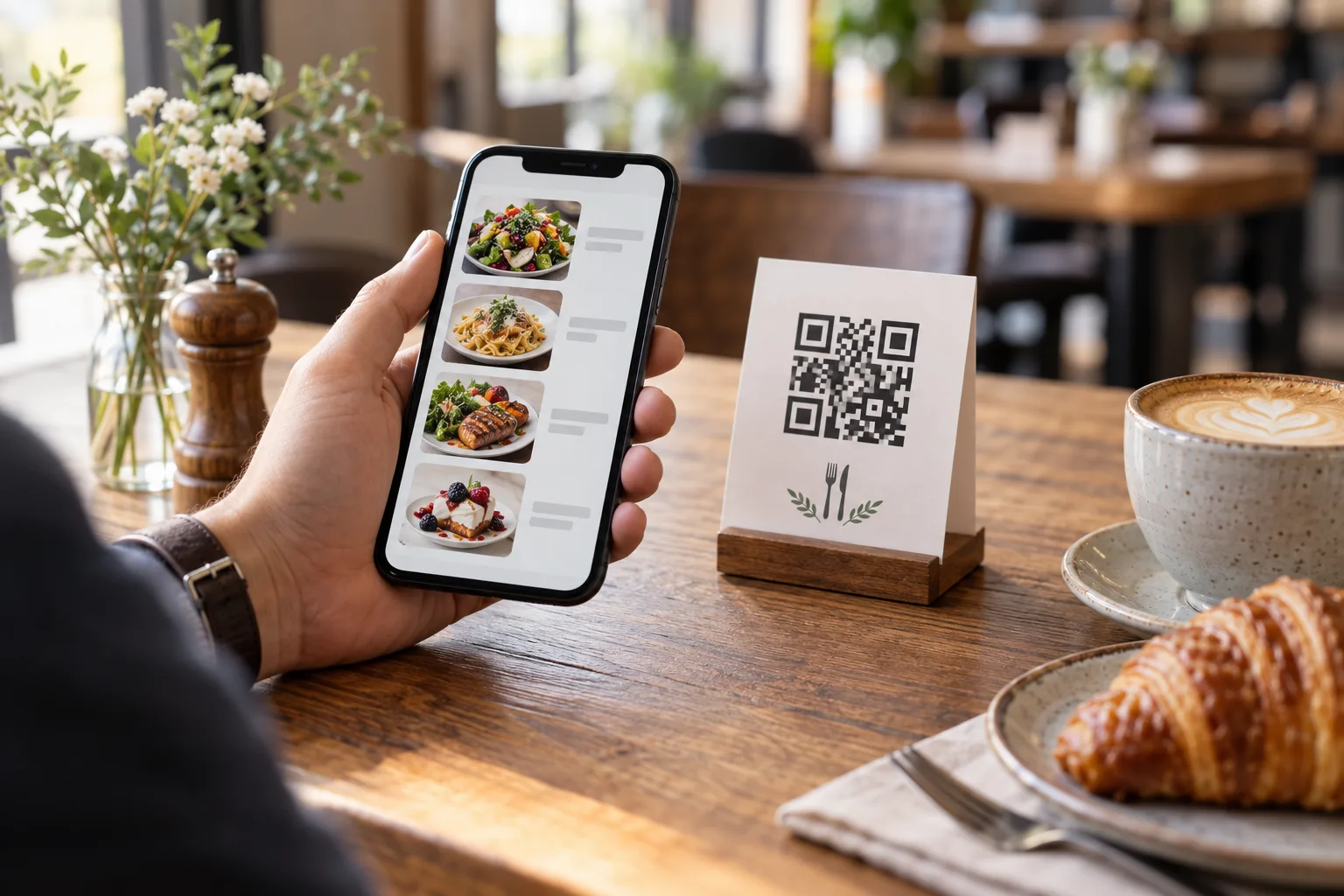
A QR code menu replaces or supplements your physical menu with a digital version that guests access by scanning a code with their smartphone camera. The code, a square matrix of black and white modules, encodes a URL. When scanned, it opens your menu directly in the guest's mobile browser, no app download required.
The underlying technology, Quick Response codes, was invented by Denso Wave in 1994 for tracking automotive parts. Today's smartphone cameras have built-in QR readers, which means there is zero friction for the customer. Point, scan, browse. The entire process takes about two seconds.
Why QR Code Menus Make Sense
The advantages go far beyond pandemic-era hygiene concerns, though contactless service remains a plus. Here are the practical benefits that keep restaurants using QR menus long after mask mandates ended.
Cost savings are immediate and ongoing. A typical restaurant spends between 500 and 2,000 dollars per year on menu printing, more if you have seasonal changes, daily specials, or multiple locations. A digital menu eliminates reprinting entirely. When you need to change a price, add a new dish, or mark something as sold out, you update it once online and every table sees the change instantly.
Real-time updates prevent embarrassing situations. Nothing frustrates a guest more than ordering something that is unavailable. With a paper menu, 86'd items stay listed until someone hand-writes a note or prints new menus. With a digital menu, you toggle an item's availability in seconds.
Multilingual support becomes trivial. In tourist-heavy areas or diverse neighborhoods, offering your menu in multiple languages can meaningfully increase revenue. Printing separate menus in five languages is expensive and logistically painful. A digital menu with built-in translation lets diners switch languages with a tap — see our menu translation guide for how to set this up.
Data and analytics give you visibility into what guests actually look at. Which items get the most views? What time of day do people browse your menu most? How long do they spend on each section? This data, unavailable with paper menus, helps you make informed decisions about layout, pricing, and offerings.
Common Objections and Honest Answers
Some restaurant owners worry that QR menus feel impersonal or alienate older customers. These concerns deserve honest answers.
The "impersonal" argument has some validity in fine dining where the menu presentation is part of the theater. But for casual dining, fast casual, cafes, food courts, and bars, most guests prefer the speed and convenience of a phone-based menu. You can always keep a few physical menus available on request while defaulting to QR for the majority.
Regarding older customers, smartphone adoption among adults over 65 has climbed to roughly 75 percent in most developed countries. The real barrier is usually not technology literacy but QR code size, lighting, and placement. Make your codes large, position them at eye level, and ensure decent lighting, and the accessibility gap shrinks considerably. Having a staff member available to assist, or keeping a small stack of printed menus, handles the remaining edge cases gracefully.
How to Implement QR Code Menus
Setting up a QR code menu involves four steps: creating the digital menu, generating the QR code, designing the table display, and training your staff.
Creating the digital menu is the most important step. Your digital menu needs to be mobile-optimized, fast-loading, and easy to navigate. It should include clear categories, item descriptions, prices, and ideally photos of your best dishes. Platforms like GetFreeMenu handle the design and hosting so you can focus on your content rather than web development.
Generating the QR code is straightforward once your menu has a URL. Most menu platforms generate the code for you. The critical decision is whether to use a static or dynamic QR code. Static codes encode the URL directly and cannot be changed after printing. Dynamic codes point to a redirect URL that you control, meaning you can change the destination without reprinting. Always use dynamic codes or a platform that gives you a permanent URL.
Designing the table display matters more than you might think. A QR code printed on a small sticker and stuck to the corner of a table gets ignored. Effective table displays include a clear call to action ("Scan to view our menu"), are positioned where guests naturally look when seated, and are large enough to scan easily from arm's length. Table tents, acrylic stands, or printed directly into the table surface all work well. The code itself should be at least 2 by 2 centimeters, though 3 by 3 is better for reliability.
Training your staff takes about five minutes but prevents awkward interactions. Every server should know how to explain the QR menu to guests who have not used one before. A simple script works: "You can scan this code with your phone camera to see our menu. It'll open right in your browser, no app needed. I also have a printed menu if you prefer." This framing gives the guest agency without making them feel pressured.
Best Practices for QR Code Menus
After helping thousands of restaurants deploy digital menus, a few best practices consistently separate great implementations from mediocre ones.
Keep load times under two seconds. A menu that takes five seconds to load on a cellular connection will lose half your guests before they see a single item. Optimize images, minimize unnecessary scripts, and choose a hosting platform with fast content delivery.
Make navigation intuitive. Categories should be visible immediately, not buried behind a hamburger menu icon. Sticky navigation bars that let guests jump between appetizers, mains, and desserts without scrolling work exceptionally well on mobile.
Update your menu regularly. The whole point of going digital is the ability to change things easily. If your QR menu still shows last season's specials, you are wasting the format's biggest advantage. Set a weekly reminder to review and update.
Include dietary information. Digital menus have unlimited space, unlike a cramped paper layout. Use this to add dietary tags such as vegetarian, vegan, gluten-free, and allergen information. Guests increasingly expect this, and it reduces the number of questions your servers field per table.
Test the scanning experience yourself. Sit in every seat in your restaurant and try scanning the QR code under actual lighting conditions. Check that it works at the distance and angle a real guest would use. Test on both iPhone and Android. Fix any spots where scanning is unreliable.
QR Codes Beyond the Menu
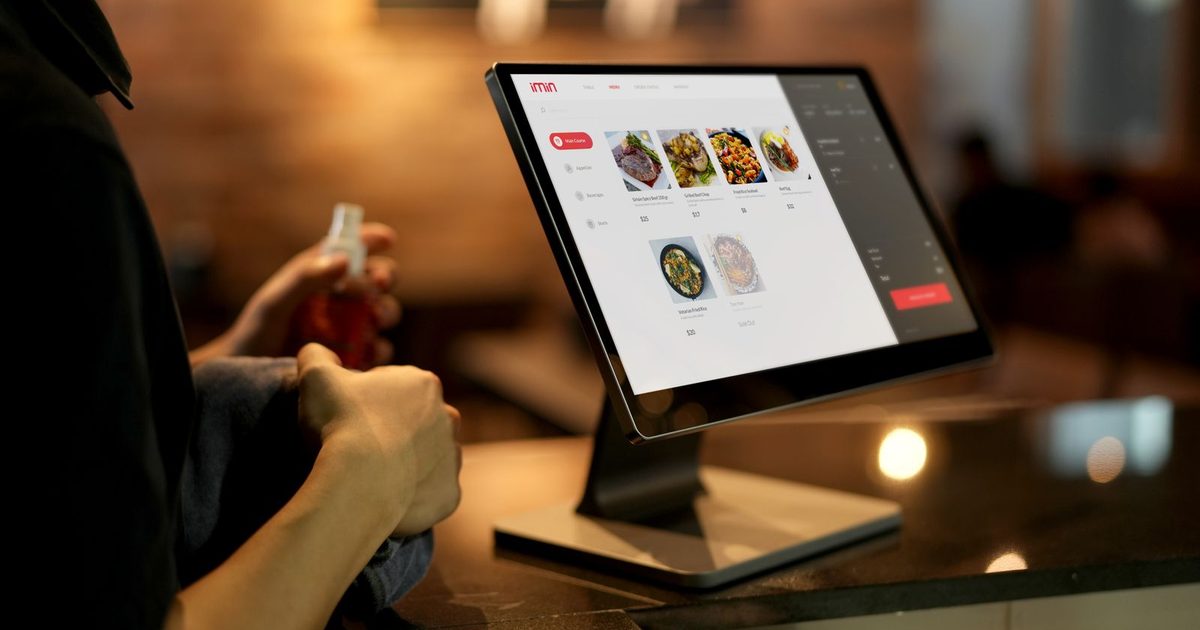
Once you have QR infrastructure in place, you can extend it to other uses. Table ordering lets guests place orders directly from their phone, reducing server workload during peak hours. Feedback collection through a post-meal QR code captures reviews while the experience is fresh. Social media follows become frictionless when a QR code on the receipt or check presenter links to your Instagram or Google Business profile.
The Future of Restaurant Menus
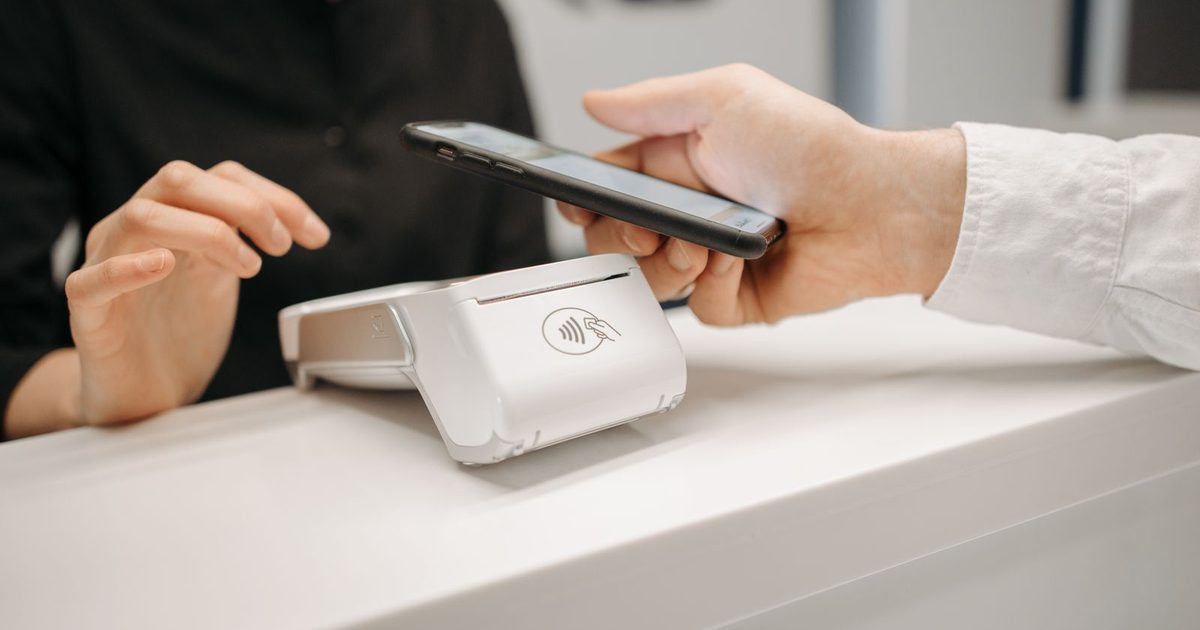
QR code menus are not a temporary trend. They are part of a broader shift toward digital-first restaurant operations. As ordering systems, payment processing, and kitchen management become increasingly integrated, the digital menu serves as the customer-facing entry point to an entire ecosystem of restaurant technology.
The restaurants that will thrive are those that view their digital menu not as a cost-cutting measure but as a customer experience tool, one that can be personalized, analyzed, and continuously improved. Whether you are a single-location cafe or a multi-unit chain, the time to build a strong digital menu presence is now.
Frequently Asked Questions
How do QR code menus work?
A QR code menu is a square barcode you print on the table, a sticker, or a stand-up card. The customer points their phone camera at it, a link opens automatically in their browser, and your menu loads as a web page — no app to download. Because it is a live web page, you can change prices or mark an item sold out and every customer sees the update instantly.
How do I create a free QR code menu for my restaurant?
Sign up, add your categories and dishes (with photos and prices), and the system generates a QR code and a menu link for you to print — no design skills needed. With GetFreeMenu the whole thing is free: there is no per-table fee, no monthly subscription for the menu, and you can update it as often as you like.
Are QR code menus really free, or are there hidden costs?
The menu itself is free with GetFreeMenu — creating it, generating the QR code, hosting the menu page, and updating it cost nothing. You only pay for printing the QR code (a single sheet of paper or a cheap sticker) and your customers use their own phones and data. There is no hidden per-scan or per-order charge on the free plan.
Do customers need to download an app to scan a QR code menu?
No. Every modern phone — iPhone and Android — scans QR codes straight from the built-in camera app, and the menu opens in the normal web browser. Customers never install anything, which is exactly why QR menus convert better than app-based ordering. If you also want digital ordering, see how a digital menu compares to paper.