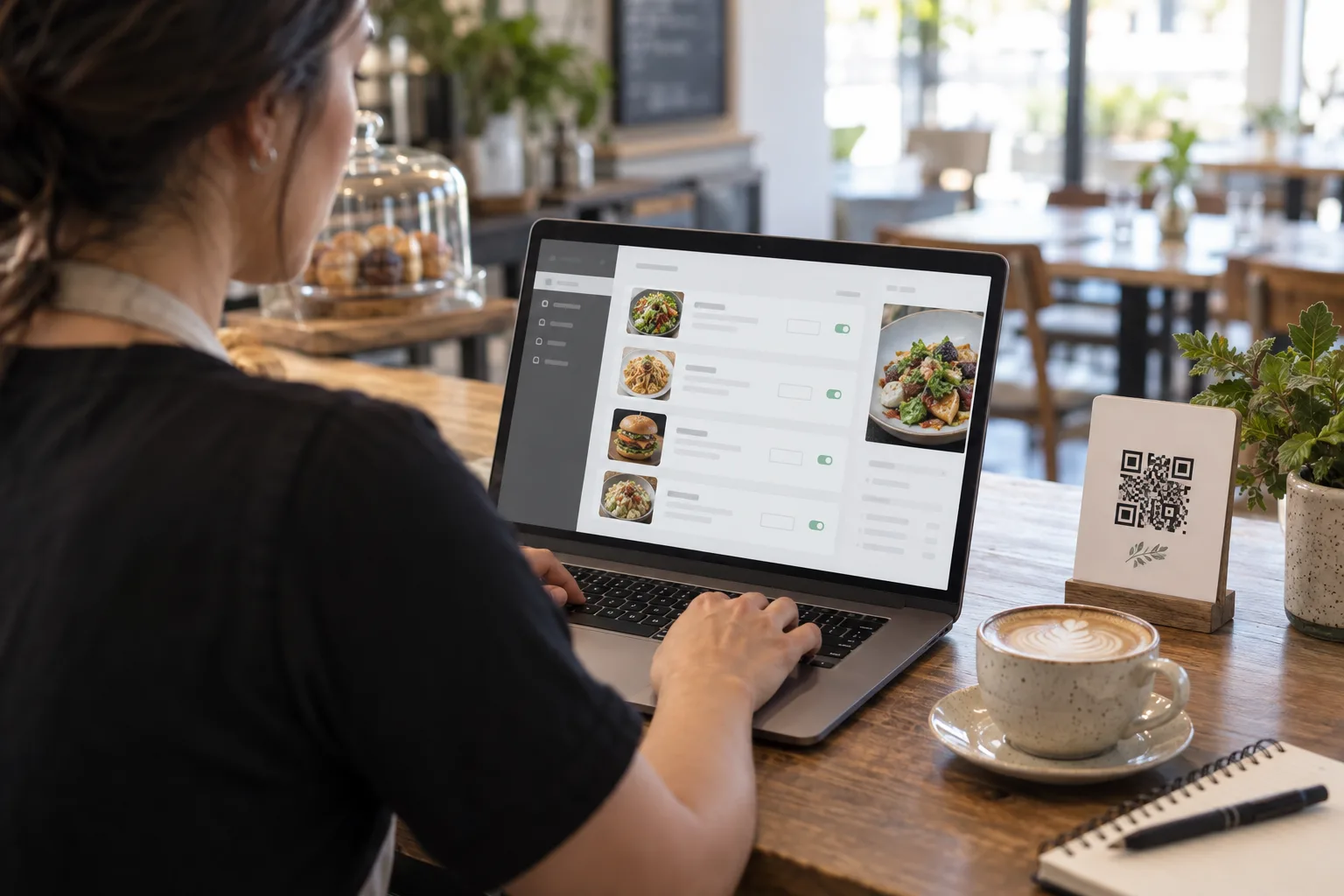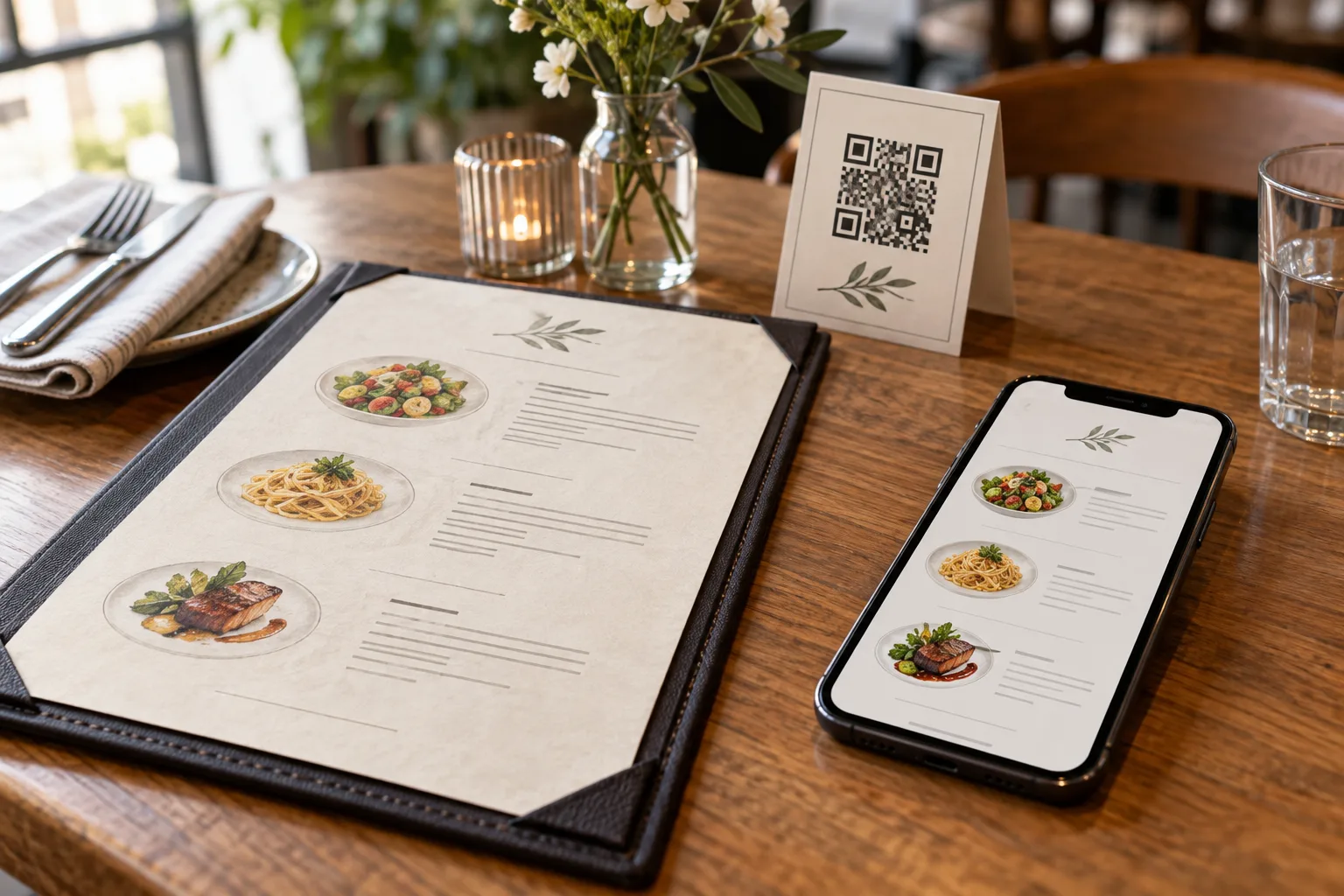
Takeaway is a different business than dine-in. Customers do not sit down. There is no table to park them at. They want to know two things: when is the food ready, and how do I pay. Anything that gets in the way of those two questions is friction, and friction loses orders to the competitor with a slicker process.
Over the last few years the playbook for takeaway has shifted away from phone calls and walk-in counters toward a QR-and-queue workflow that scales. Customers grab a queue number, build their order on their own phone, pay by uploading a bank-transfer slip, and pick up when their number is called. The whole thing runs in a browser, no app, no host station, no headset.
This article walks through the practical decisions that make this workflow work in a real restaurant.
Separate Takeaway Pricing
The first decision is whether takeaway prices should be the same as dine-in. In many countries the answer is no. Dine-in includes plates, glassware, table service, and an experience. Takeaway includes packaging and the assumption that the customer will eat it somewhere else. The cost structures are different, and the willingness to pay is different.
A common pattern is a small uplift for takeaway, perhaps ten to fifteen percent, to cover packaging and the marginal labor of bagging and handing off. Some restaurants flip this and offer a small takeaway discount because they save on dishwashing and table turnover. Either way, the menu system needs to support a separate price field per item, distinct from the dine-in price, that only appears when the customer is ordering for pickup.
Items also need a separate availability flag for takeaway. Some dishes do not travel well. A souffle, a delicate carpaccio, a multi-component plated dessert — none of these belong on a takeaway menu. They should remain on the dine-in menu but be hidden from the takeaway list with a single toggle, not by maintaining two parallel menus.
The Two-Stage Order Confirmation
The classic mistake is treating a takeaway order like a website checkout, where the customer commits everything at the end. In practice this fails because the payment step is the slowest, most error-prone part. Bank transfers take time. The customer might fat-finger the amount. The slip might be unclear. If the order is locked in before payment is confirmed, the kitchen starts cooking food the restaurant might never get paid for.
A better workflow is a two-stage handoff. Stage one: the customer places the order. The system records the items, calculates the total, and shows them a clear total in the same currency they are paying in. Stage two: the customer uploads a payment slip. Until the restaurant manually confirms the slip is valid, the order sits in an "awaiting confirmation" state. The kitchen does not start. The customer's status badge says "Waiting for restaurant to confirm payment" so they know the ball is in your court, not theirs.
This sounds slow. In practice the staff confirmation takes ten seconds — open the dashboard, glance at the slip image, tap a button. The kitchen sees the order at the moment payment is confirmed, not before, which is exactly the right moment.
Payment Slip Uploads That Do Not Break
The most common failure mode for slip uploads is permissions. Customer phones use random IP addresses. Image sizes vary from 200 KB to 10 MB. Some customers screenshot the bank app, others photograph the printed receipt with the camera, others paste a forwarded image from a chat. The upload system has to absorb all of this without coughing up an error.
A few practical rules. First, accept multiple image formats: JPEG, PNG, and WebP cover essentially every phone camera and screenshot tool. Second, use presigned upload URLs that expire in a few minutes, so the upload happens directly from the customer's phone to your storage without your server in the middle. Third, validate the file type server-side before issuing the URL. Fourth, store slips under a clearly-namespaced path so you can audit them later if a payment is disputed.
The customer-facing UI should be one big button labeled "Upload payment slip," not a multi-step form. After upload, show a thumbnail of the slip back to the customer with a "Replace" option in case they uploaded the wrong screenshot. Their status badge should immediately flip to "Waiting for restaurant to confirm" so they know the upload worked.
Reference Codes for Pickup
When the customer arrives to collect, you need a quick way to match their phone to the order on your screen. Calling out a queue number works in a quiet restaurant but fails in a noisy bubble tea shop with five number 12s in line.
A short reference code, six characters from a confusable-free character set, solves this. Generate it server-side at order placement time. Show it on the customer's phone alongside their queue number. Show the same code in the staff dashboard. When the customer arrives, they show their phone, you compare the codes, and you hand over the bag. The whole exchange takes three seconds and never depends on shouted names.
The reference code also acts as anti-fraud. A customer cannot claim "I am number 42" without showing the code that goes with number 42. Two random people cannot collide on the same code on the same day in any plausible scenario.
End-of-Day Reconciliation
Takeaway revenue needs to reconcile with bank transfers daily. The simplest way to do this is a History view in the queue dashboard that lists every order marked Served on a given day, with the queue number, reference code, time, total, and a link to the slip image. Pick a date, see the list, see the daily total, cross-reference with the bank statement. Five minutes per day, ideally as part of the closing routine.
The history needs to handle timezone correctly. A restaurant in Bangkok closing at midnight local time should see all orders for that calendar day grouped together, not split across UTC midnight in the middle of dinner service. The system should know the restaurant's country and use the local timezone for grouping.
What to Do When Something Goes Wrong
In any real workflow, edge cases happen. The customer pays the wrong amount. The slip is unreadable. The customer never picks up. The kitchen runs out of an item between order and confirmation.
For each of these, design a clear path. Wrong amount: the staff opens the order, sees the issue, and either accepts a partial payment with a note or asks the customer to re-pay. Unreadable slip: the staff message the customer (if you have their phone number) or simply do not confirm; the customer notices their status is stuck and re-uploads. No-show: the queue entry stays in "preparing" until manually marked Served or Cancelled, at which point it leaves the active list.
Out of stock between order and confirmation is the most painful case. The cleanest answer is a quick refund to the customer's same bank account, with an apology and a note. The systems should make this easy: a Cancel button on the order that you can use after seeing the slip, with the customer's phone immediately reflecting the cancellation.
Don't Optimize the Happy Path Too Aggressively
The temptation when designing a takeaway flow is to assume every order goes perfectly, and to design the UI accordingly. This is a trap. Most orders do go perfectly, but the bad ones consume disproportionate time and create the most customer-service work. Build the workflow around the bad cases first, and the good cases will take care of themselves.
A clear status badge that the customer can read in three seconds. A dashboard that shows everything the staff needs at a glance. Reference codes for fast handoffs. A history view for end-of-day reconciliation. Plus a default expectation that some orders will need manual intervention, and that the system makes that intervention easy rather than impossible. Get those right and you have a takeaway operation that scales.