Table ordering systems let diners browse the menu and place orders directly from their phone, without waiting for a server to take their order. What started as a niche concept in tech-forward restaurants has become mainstream, driven by labor shortages, rising operational costs, and customers who increasingly prefer self-service options. This guide walks you through how table ordering works, how to set it up, and how to make it a seamless part of your restaurant's operations.
What Is a Table Ordering System?
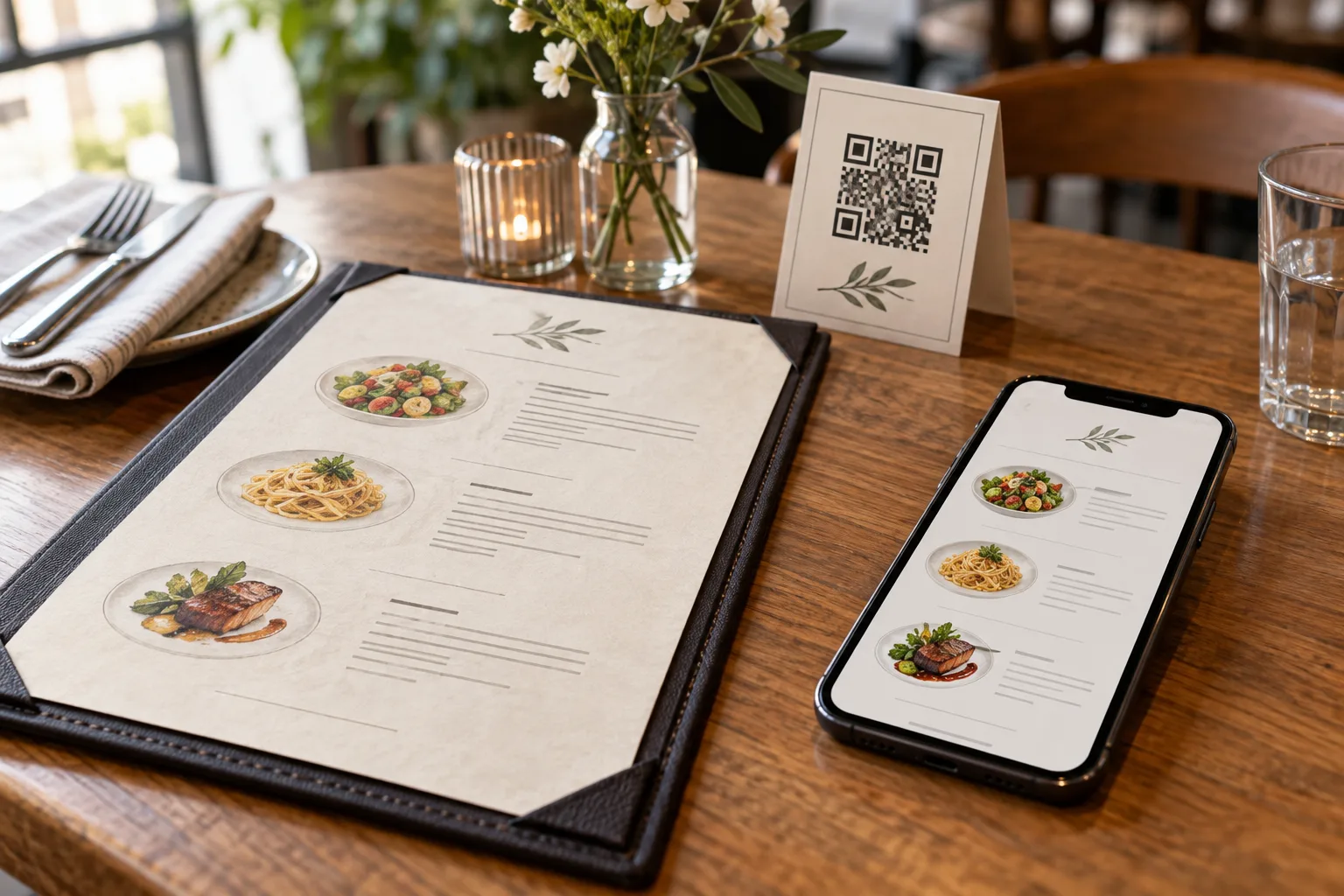
A table ordering system connects your menu to your kitchen through the diner's own device. The typical flow works like this: a guest sits down, scans a QR code specific to their table, browses the digital menu on their phone, selects items, and submits the order. The order appears in your kitchen display or POS system, and the kitchen begins preparation. The server's role shifts from order-taker to food-runner and hospitality provider.
This is not the same as online ordering for delivery or takeout. Table ordering is designed specifically for dine-in service, where the guest is physically present and expects the food to arrive at their table. The table assignment is built into the system so the kitchen knows exactly where each order is going.
The Business Case for Table Ordering
The operational benefits of table ordering are significant and measurable across several dimensions.
Reduced wait times improve the guest experience directly. The average time between a guest sitting down and a server taking their order is 8 to 12 minutes during peak hours, according to operational data from restaurant consulting firms. With table ordering, that gap shrinks to however long it takes the guest to scan a code and browse the menu, typically two to four minutes. The order reaches the kitchen faster, food comes out sooner, and table turnover improves.
Labor efficiency increases without reducing headcount. Servers who no longer need to take orders can cover more tables. Instead of the standard three to four table station, a server focused on food running, drink refills, and guest interaction can comfortably handle six to eight tables. This matters enormously when staffing is tight, which for most of the restaurant industry, it consistently is.
Order accuracy improves because the guest enters their own selections. Miscommunication between diner and server, whether due to noise, accent differences, handwriting legibility, or simple human error, is a persistent source of food waste and customer dissatisfaction. When the guest taps "no onions" on their phone, the kitchen sees "no onions" on the ticket. There is no telephone game in between.
Average check size tends to increase by 12 to 20 percent with table ordering, according to data from multiple POS providers. The reasons are psychological: guests ordering on their phones feel less judged about adding extra items, desserts, or premium modifications. There is no server waiting impatiently while they debate between two appetizers. The digital interface also makes it easy to include photos and descriptions that upsell naturally.
Setting Up a Table Ordering System: Step by Step
Implementing table ordering involves five stages: choosing a platform, configuring your menu, setting up tables, training staff, and launching with customers.
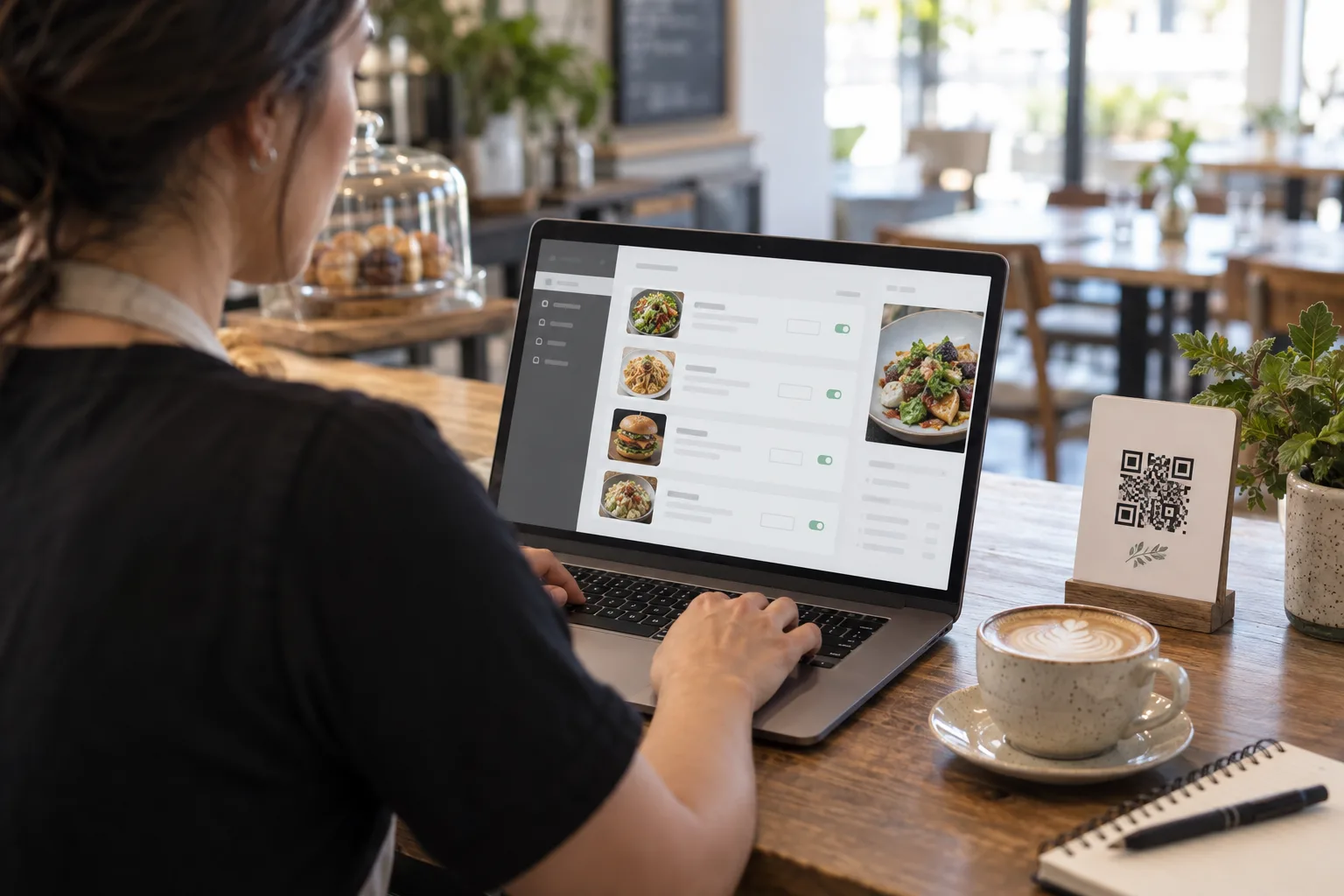
Choosing the right platform is foundational. Look for a system that is specifically designed for dine-in table ordering, not a takeout platform retrofitted for on-premise use. Key features to evaluate include: QR code generation per table, real-time order display for the kitchen, the ability to mark items as unavailable instantly, support for order notes and modifications, and a customer interface that works smoothly on mobile without requiring an app download. GetFreeMenu includes table ordering as part of its free platform, with unique QR codes per table and a kitchen display for managing incoming orders.
Configuring your menu for table ordering requires some adjustments from your standard menu. Every item needs a clear, unambiguous name and description since there is no server to clarify. Modification options, such as size, protein choice, spice level, or add-ons, should be built into the ordering interface rather than left to free-text notes. Organize categories in the order a typical meal progresses: drinks and starters first, then mains, then desserts.
Setting up tables involves generating unique QR codes for each table and placing them where guests can easily scan them. Each code should be linked to a specific table number or name in your system so orders route correctly. Table tents or acrylic holders at the center of each table work best. Number your tables consistently between your physical layout and your digital system to avoid confusion during food running.
Training staff is critical and often underestimated. Your servers need to understand three things: how to explain the system to guests, that they are not being replaced but rather freed from order-taking to focus on hospitality, and how to handle edge cases like technical difficulties or guests who prefer to order verbally. A ten-minute team meeting with a live demonstration is usually sufficient. Emphasize that the goal is better service, not less service.
Launching with customers should be gradual. Start with table ordering available as an option alongside traditional ordering for one to two weeks. This lets you identify and fix issues without pressure. Common first-week problems include QR codes placed where glare makes them unscannable, menu items missing important modification options, and kitchen staff unfamiliar with the new order display format. Address these before making table ordering the default experience.
Optimizing the Customer Experience
A table ordering system is only as good as the experience it delivers to diners. Here are the areas that make the biggest difference.
Menu load time must be fast. If the menu takes more than two or three seconds to load after scanning the QR code, guests will put their phone down and flag a server instead. Optimize images, minimize page weight, and ensure your hosting can handle concurrent loads during peak dinner service.
Navigation should be obvious and immediate. The guest should see categories immediately after the page loads, with the ability to jump to any section. A sticky navigation bar that stays visible while scrolling is essential. Do not make guests hunt for the "place order" button; it should be prominent and fixed at the bottom of the screen.
Order confirmation needs to be clear. After submitting an order, the guest should see a confirmation with exactly what they ordered and a way to view their order status. Uncertainty about whether the order went through is the fastest way to frustrate a diner and generate unnecessary calls to your server.
Allow easy reordering. Guests often want to add items after their initial order, especially drinks, additional sides, or desserts. The system should make it simple to add to an existing order without re-entering table information or navigating through the full menu again.
Provide a way to request the check. A "request check" button eliminates the awkward period at the end of a meal when guests are ready to leave but cannot catch their server's eye. This small feature significantly improves end-of-meal satisfaction and speeds up table turnover.
Handling Common Challenges
Peak hour volume requires a system that can handle many simultaneous orders without slowing down. Test your setup by having your staff submit orders from multiple phones at once during a pre-service dry run. Identify any bottlenecks in how orders reach the kitchen.
Guest resistance is normal during the first few weeks. Some diners genuinely prefer interacting with a person when ordering. Accommodate them gracefully. Having servers available to take verbal orders alongside the digital system ensures no guest feels forced into an unfamiliar process.
Kitchen workflow adjustments are necessary when orders arrive digitally instead of verbally. The kitchen team needs a clear display, whether a screen or a printer, positioned where the expeditor can easily read and manage incoming tickets. Integrate the table ordering display into your existing kitchen workflow rather than creating a parallel system.
Measuring Success
Track these metrics before and after implementing table ordering to quantify the impact: average time from seating to first order reaching the kitchen, average check size, table turnover rate during peak hours, order accuracy measured by remake and comp rates, and guest satisfaction scores or review sentiment.
Most restaurants see measurable improvement across all five metrics within the first month of full adoption. The combination of faster ordering, higher check averages, and better table utilization typically produces a net revenue increase that justifies the investment several times over, particularly when using a free platform where the only cost is setup time.