If you have ever stood in front of a packed dim sum restaurant on a Saturday afternoon, you already know the problem. A wooden clipboard sits on a tiny podium, half a dozen names scrawled across it, and a host who has not had time to look up in twenty minutes. Some customers walk away assuming the line is hopeless. Others stand around blocking the entrance for ninety minutes. The restaurant loses revenue on the people who leave and goodwill from the people who wait.
The fix is not more staff. It is a virtual queue system that lives on a phone and updates itself.
What a Virtual Queue Actually Does
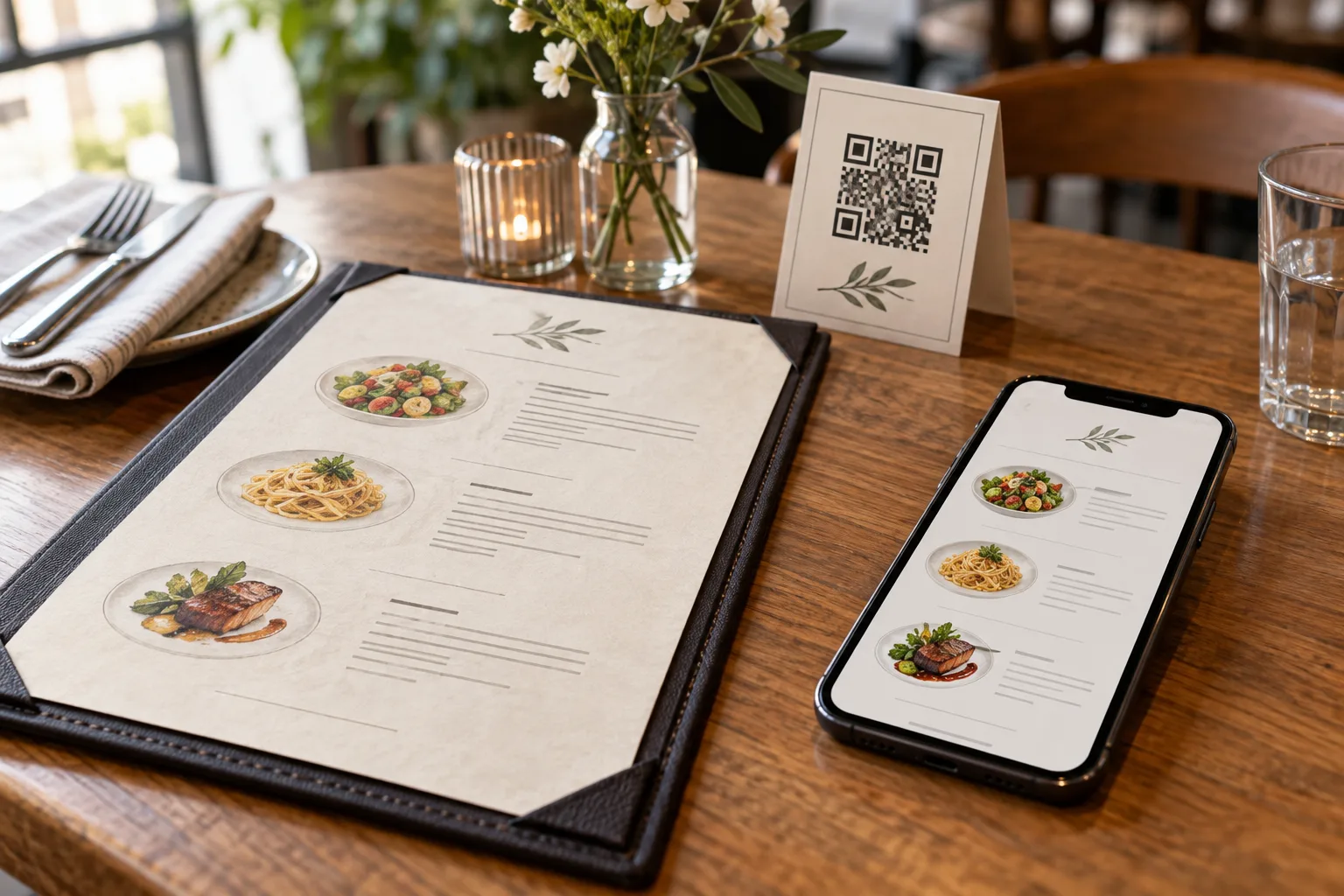
A virtual queue replaces the clipboard with a public web page. Each customer scans a QR code at the door, taps Reserve, and immediately sees their queue number and an estimated position ("4 people ahead of you"). They can wander the neighborhood, sit in their car, finish a phone call, or do whatever they would rather be doing than standing on the sidewalk. When their number is close, they walk back.
The system sits between two halves of the same problem. On the customer side it answers "when will it be my turn?" without anyone having to ask. On the restaurant side it answers "how do we manage flow?" without anyone having to write things down or call out names over a busy room.
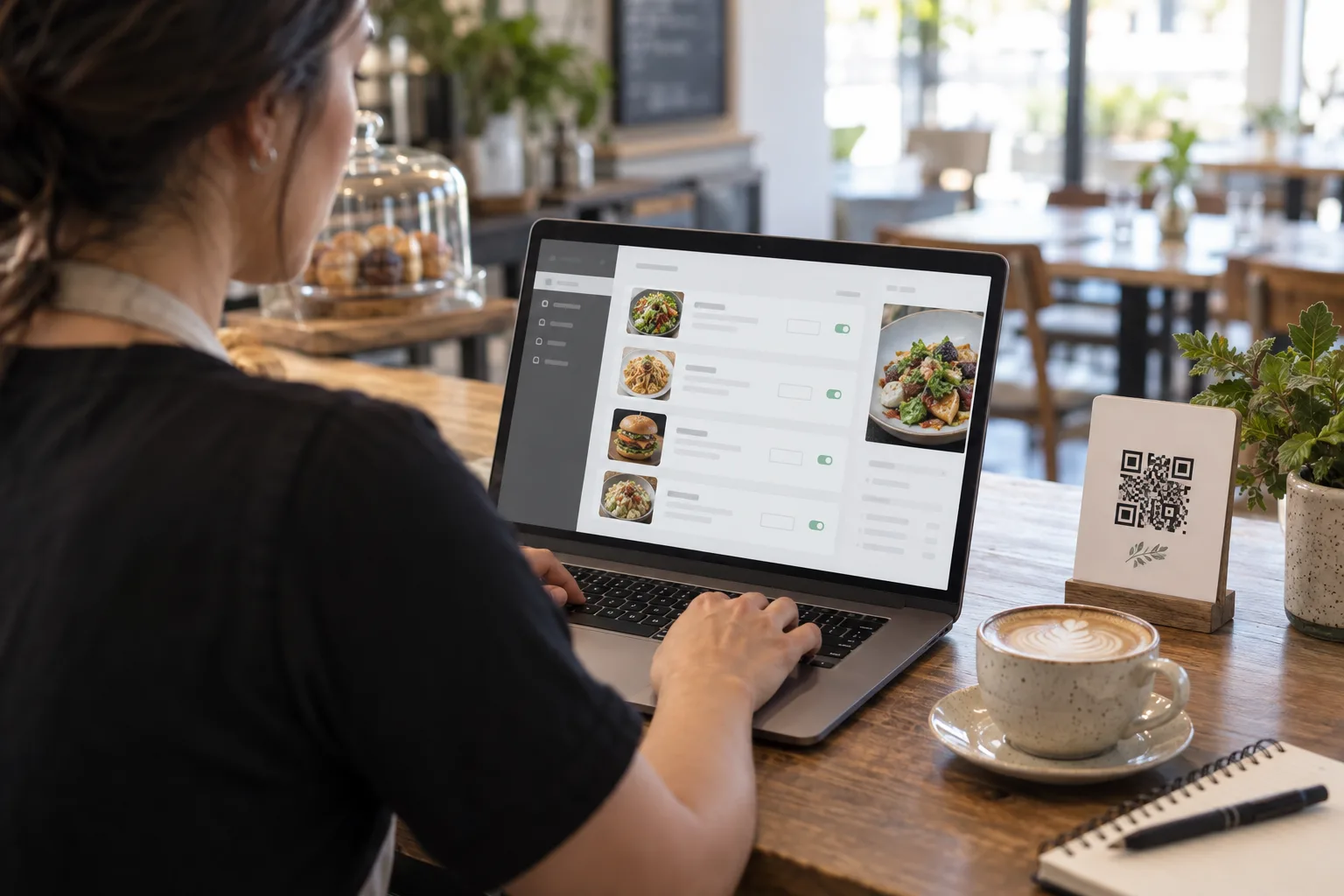
The technology is simple. A small dashboard on the host's tablet shows the waiting list with timestamps and reference codes. The host taps Call Next when a table opens. The customer's phone updates within fifteen seconds. There are no pagers to lose, no clipboards to drop, no shouted names that get lost over a noisy dining room. The whole thing runs in a browser, no app install, no friction.
Why GPS Gating Matters
The naive version of a virtual queue allows anyone, anywhere, to take a number. That sounds nice but it breaks immediately. A teenager in another city decides to mess around. A bored customer holds onto a number from yesterday hoping to skip the line tomorrow. A competitor's friend reserves a hundred fake spots to make your queue look longer than it is.
GPS gating fixes this. Before the Reserve button appears, the customer's phone reports its location. The system computes the great-circle distance to the restaurant, and only enables the button if the customer is within a configured radius, typically five kilometers for most urban restaurants and one to two kilometers for tight downtown blocks.
The check happens twice. First in the browser, where the button is disabled until the customer is in range, giving immediate feedback. Then on the server, when the reservation is actually placed, because location data from the browser is technically forgeable. Both checks together keep the queue clean without inconveniencing real customers.
For restaurants with multiple locations, GPS gating also routes customers to the correct branch automatically. A customer who happens to be near your downtown location does not accidentally end up in the queue for your suburban one.
The Anatomy of a Polled Wait Dashboard
When a customer's phone sits open on the queue page, what frequency should it check for updates? Too fast and you waste battery and bandwidth. Too slow and the wait feels endless.
Fifteen seconds turns out to be the sweet spot. Slow enough to be invisible to your servers, fast enough that the customer feels the page is "live." Within fifteen seconds of a host tapping Call Next, the customer's now-serving number ticks up and they know they are closer. If you go below ten seconds you start hitting noticeable battery drain on phones with the screen on. If you stretch to thirty or sixty seconds the experience starts to feel like checking a static photo.
The dashboard itself should show three numbers, no more. The current serving number, large and prominent. The customer's own number. And the people-count between them. Anything else is noise. A queue page is not a brand experience, it is a status check.
Anti-Cheat: Reference Codes
Every reservation gets a six-character reference code generated server-side. The customer sees it on their phone, on the saveable PNG ticket, and is asked to show it when their number is called. The host sees the same code on the dashboard. If the customer claims to be number 42 but presents a code that does not match what the dashboard shows for number 42, the host knows something is off.
Reference codes use a confusable-free character set: no zero or O, no one or I, no lowercase letters that look like digits. This matters when someone is squinting at a phone screen in dim restaurant lighting and trying to read out a code over a noisy dining room.
The codes are also single-issue. The same customer cannot reserve twice from the same browser, because the system recognizes their persistent client identifier. If they try, they get back the same number and code they had originally, not a fresh one.
Cost Per Reservation
Restaurant operators often assume virtual queue systems require expensive hardware or subscription contracts. They do not. The infrastructure cost of running a queue for a single restaurant on AWS DynamoDB and S3 is in the cents-per-month range, even at a thousand reservations per day, because the dominant operations are tiny atomic counter increments.
A clipboard costs nothing in dollars but a meaningful amount in customer experience. A pager system costs hundreds of dollars in hardware plus replacement costs every year. A virtual queue costs nothing per customer beyond the underlying cloud bill. The economics simply favor the digital approach as soon as you are doing more than a handful of reservations per shift.
Getting Started
If you have never run a virtual queue before, start small. Enable it for one shift on one type of service, dine-in or takeaway, and observe what happens. Watch how customers use it, where they get confused, what questions they ask the host. Adjust your maximum-distance setting, your wording, and your QR code placement based on what you learn.
The goal is not to eliminate the host. It is to free up the host to focus on welcoming customers, managing the dining room, and handling the occasional special request, instead of acting as a human spreadsheet for a piece of cardboard. A good virtual queue makes both customers and staff happier, and it pays for itself the first time you avoid a Saturday-night meltdown.